What is a 3D museum?
A 3D museum is a museum you explore in three dimensions. The term covers three quite different things: a physical illusion venue where the art seems to jump off the wall, an online 3D tour of a real museum, and a small personal museum built from your own photos that you open in a browser.
Looking for a trick-art or 3D illusion museum to visit in your city? Those are places you buy a ticket for, and this page won't help you find one. It's about 3D museums you open online, and above all the third kind: a virtual 3D museum of memories, made to be given.
The three kinds of 3D museum, side by side
The words are the same, but the experiences have little in common. The first two are about art and places. The third is about people, and it's the one you can make yourself, for someone in particular.
| Kind | What it is | Where you see it | Who makes it |
|---|---|---|---|
| Illusion or trick-art museum | Painted walls and floors that look three-dimensional in photos: you step into the scene and pose | In person, in a building you visit | The venue and its artists |
| Online 3D tour of a real museum | Real galleries scanned or modeled so you can look around and move from room to room | In a browser, sometimes in a VR headset | The museum or its digitization partner |
| Personal 3D museum of memories | A small gallery where your own photos hang as framed works, each with its story | In a browser on any phone or computer, through a private link | You, in about 15 minutes |
What a personal 3D museum looks like inside
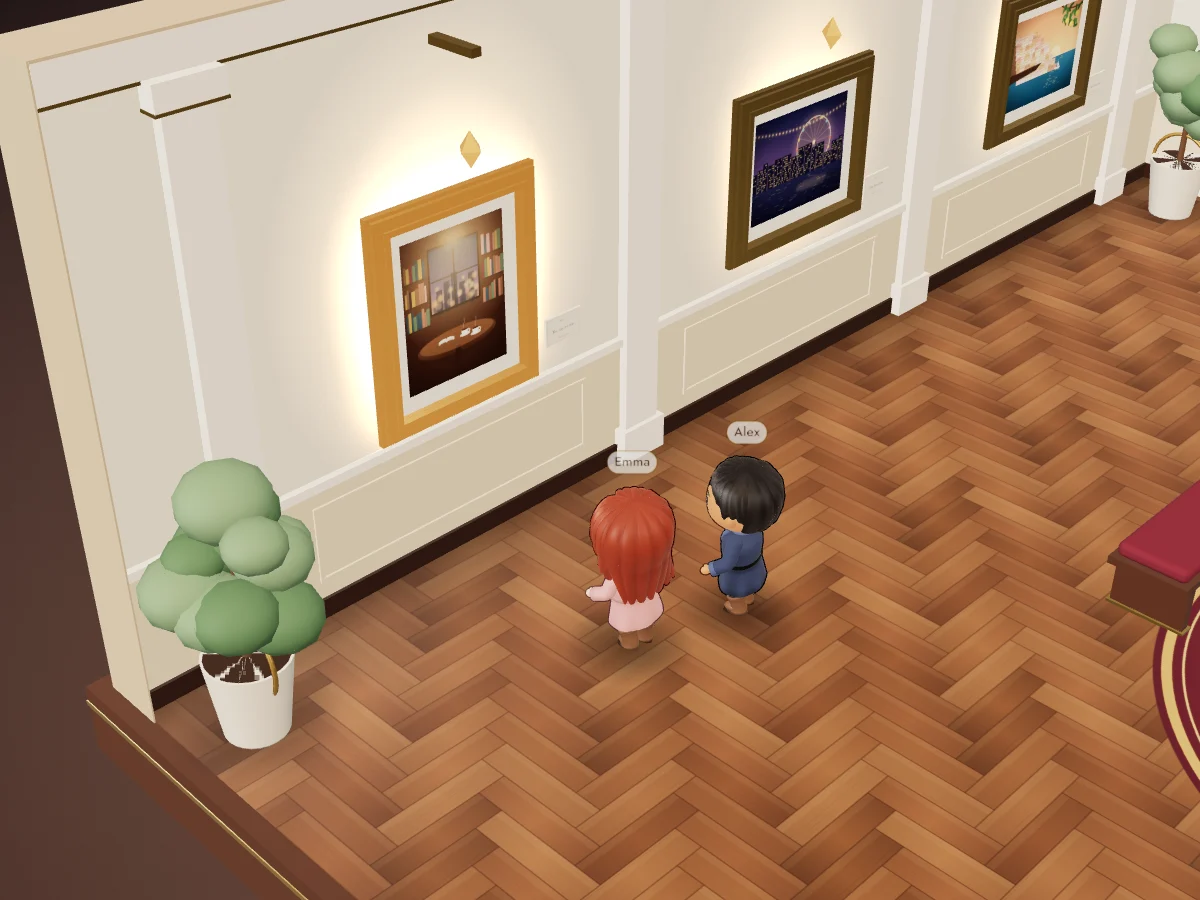
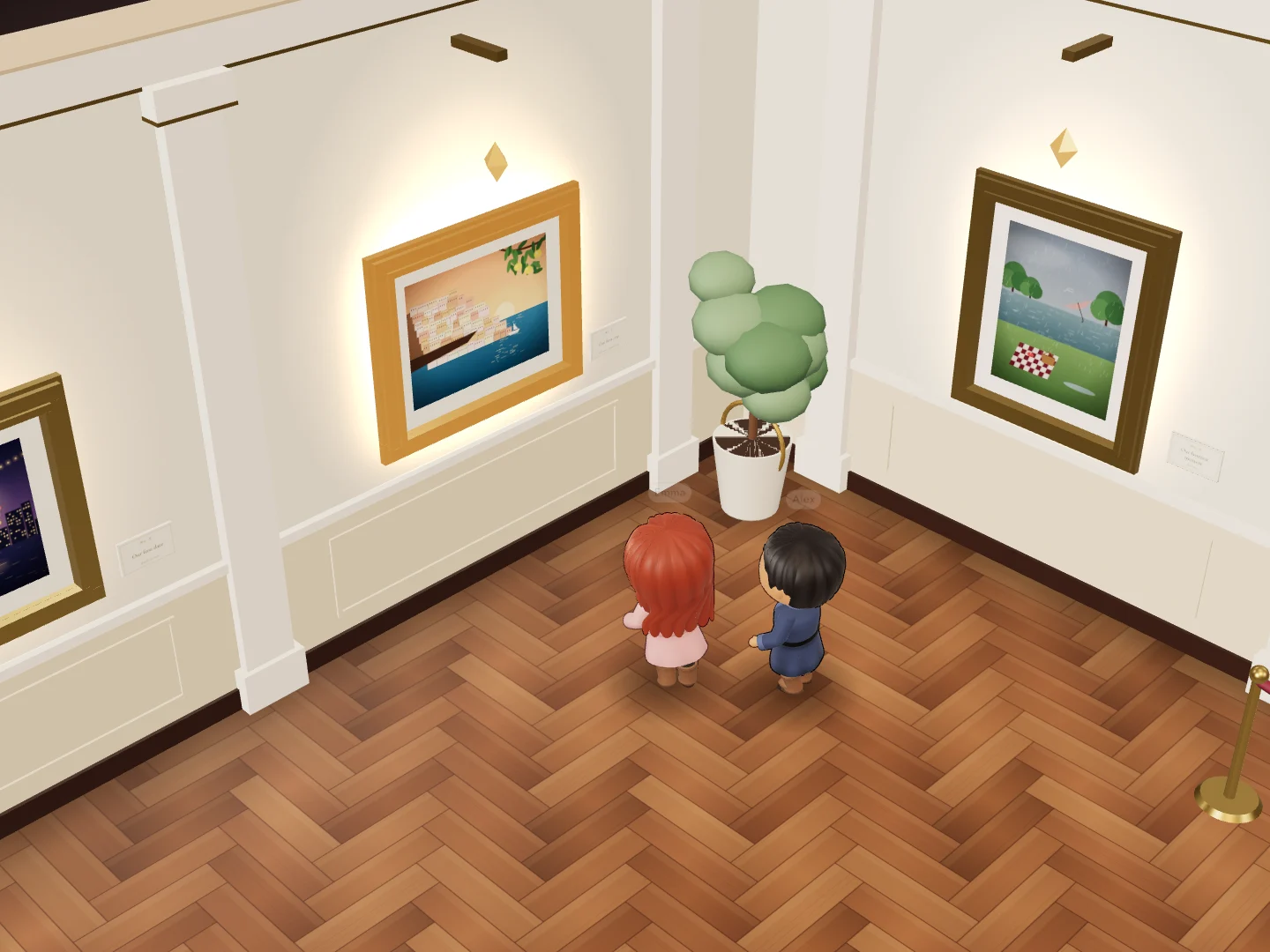
The easiest way to picture it is the demo: a museum Alex made for Emma's birthday, with five memories. You arrive in a gallery with cream walls and a herringbone parquet floor. Each photo hangs in a gilded frame under its own warm light, like a painting in a small private collection.
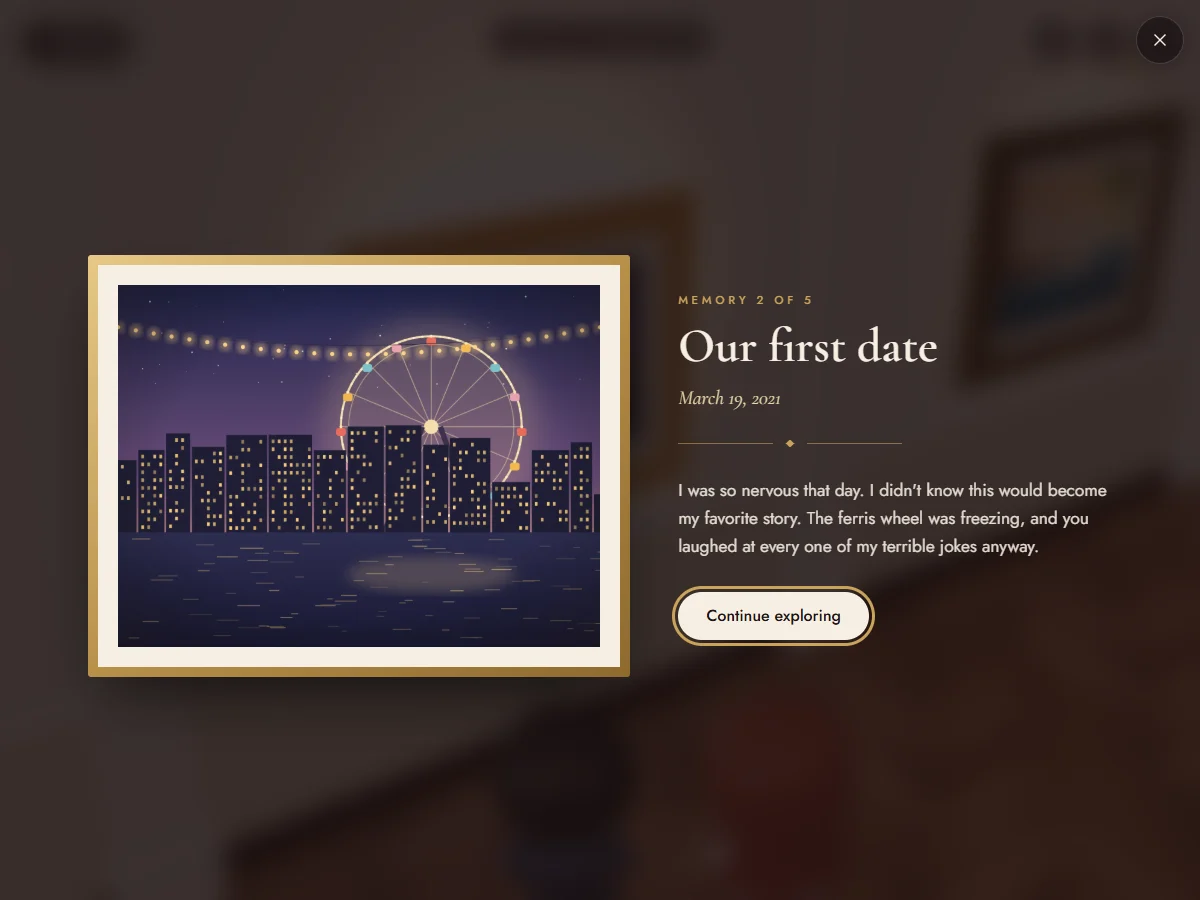
Beside each frame is a brass plaque. It holds what a photo alone can't say: a title, a date and the short story behind the picture. In the demo, the second frame shows a Ferris wheel above a city at night. Its plaque reads “Our first date”, March 19, 2021, followed by the story of a freezing ride and a lot of terrible jokes.
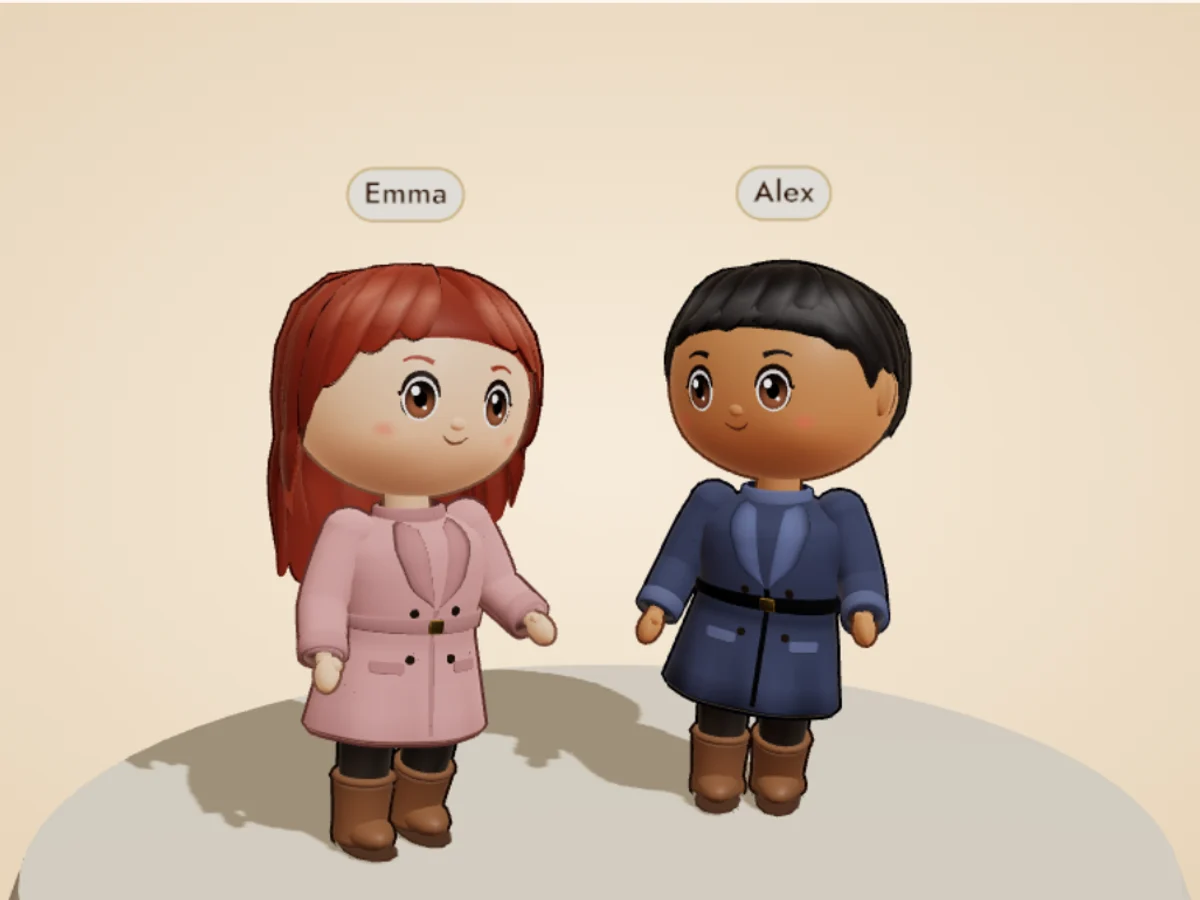
Two small stylized characters explore the rooms side by side: one is the person who made the museum, the other is the person receiving it. The visitor steers one of them, and the other follows from frame to frame, like a companion on a Sunday visit.
How you move through a virtual 3D museum
It's built for phones first. Your thumb steers with a small joystick, or you tap the floor where you want to go. On a computer, the keyboard does the walking. There's nothing to install and no controls to learn first.
When you reach a frame, the memory opens in a large card you can actually read, with the photo, the title, the date and the story. Close it and carry on exploring.
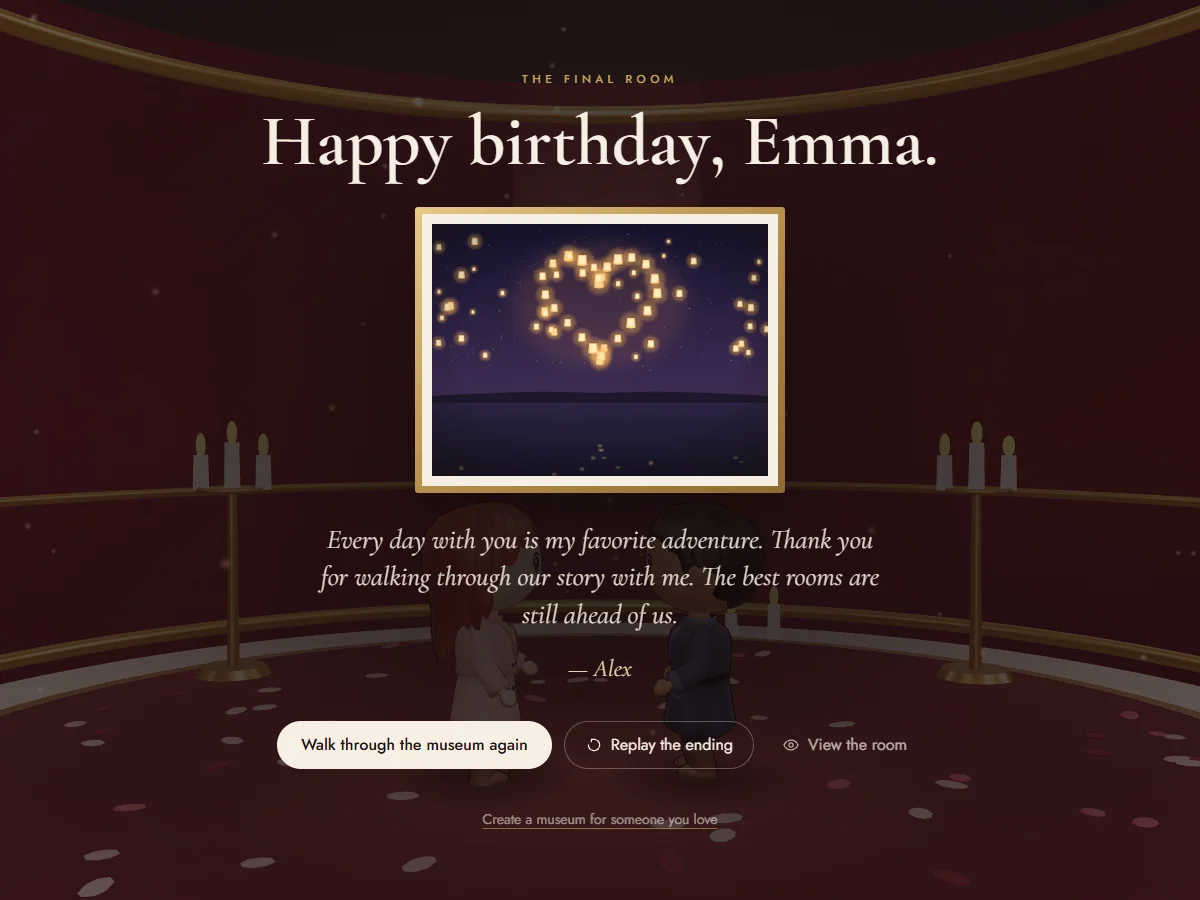
Once every memory has been found, a pair of doors opens onto a final room. That's where the surprise waits: a message written by the person who made the museum, such as “Happy birthday”, “Will you marry me?” or “Pack your bags, we're going to Italy”.
Sound is optional and off by default: soft footsteps, a gentle ambience and a chime at the end. And if a phone is too old to display 3D, the same story is told page by page, so nobody is left standing at the door.
Make your own 3D museum of memories in about 15 minutes
You don't need 3D skills or software: everything happens in your browser, in four steps. The guide to creating your own virtual museum goes through each one in detail, with examples of stories and final messages.
- Choose your memories: five photos, or up to ten with Deluxe, each with a title, a date and a few lines of story.
- Dress the two characters so they look like the two of you.
- Write the message that waits in the final room.
- Preview it, pay once, and send the private link.
Essential or Deluxe: what each 3D museum includes
There are two versions, and you don't have to choose one before you start. The price follows what your museum uses, and the editor marks the Deluxe options with a badge so there are no surprises. You pay once, with no subscription.
Started with Essential and want more later? Add memories or Deluxe styles and pay the €5.00 difference. The link you've already sent stays the same.
| What's included | Essential | Deluxe |
|---|---|---|
| Price, paid once | €9.99 | €14.99 |
| Memories | 5 | 6 to 10 |
| Galleries | One gallery, then the final room | A second gallery from the sixth memory, then the final room |
| Character style | Name, skin tone, hairstyle, hair color, outfit color | Everything in Essential, plus outfit style, trousers, eye color, beard, glasses, hat, earrings, neckwear, bag, height and build |
| Changing plan | Upgrade to Deluxe later for €5.00, same link | Nothing to upgrade: every option is included |
Is a 3D museum free to make?
Creating it is free, and so is trying it in the editor: add your photos, write your stories, dress the characters and come back to it as often as you like.
The free preview shows the first two memories in full. The other memories and the final surprise stay locked until you pay, and the payment is also what unlocks the private link you send.
Want to see a complete museum, surprise included, before you start? The demo has everything, from the first frame to the final room.
A private museum, not a public exhibition
A museum of memories is personal, so it's built to stay that way. Only people who have the link can open it. Museums are never listed in a public gallery, never searchable and never indexed by search engines.
Your photos are resized and stripped of hidden metadata such as GPS location, then stored privately and shown through short-lived signed links. They're never sent to AI services. You can delete the museum whenever you like, and you can still edit it after sending: changes appear on the same link.
When another 3D museum tool is a better fit
If you're building a class project, a school exhibition or an online show of your artwork, an exhibition builder such as Artsteps (free to use) or Kunstmatrix (paid monthly plans) is the better choice. They're designed for many works, curated walls and a public audience.
Memuseo does something narrower on purpose: it turns five to ten moments into a story for one person, with two characters who look like you and a surprise at the end.